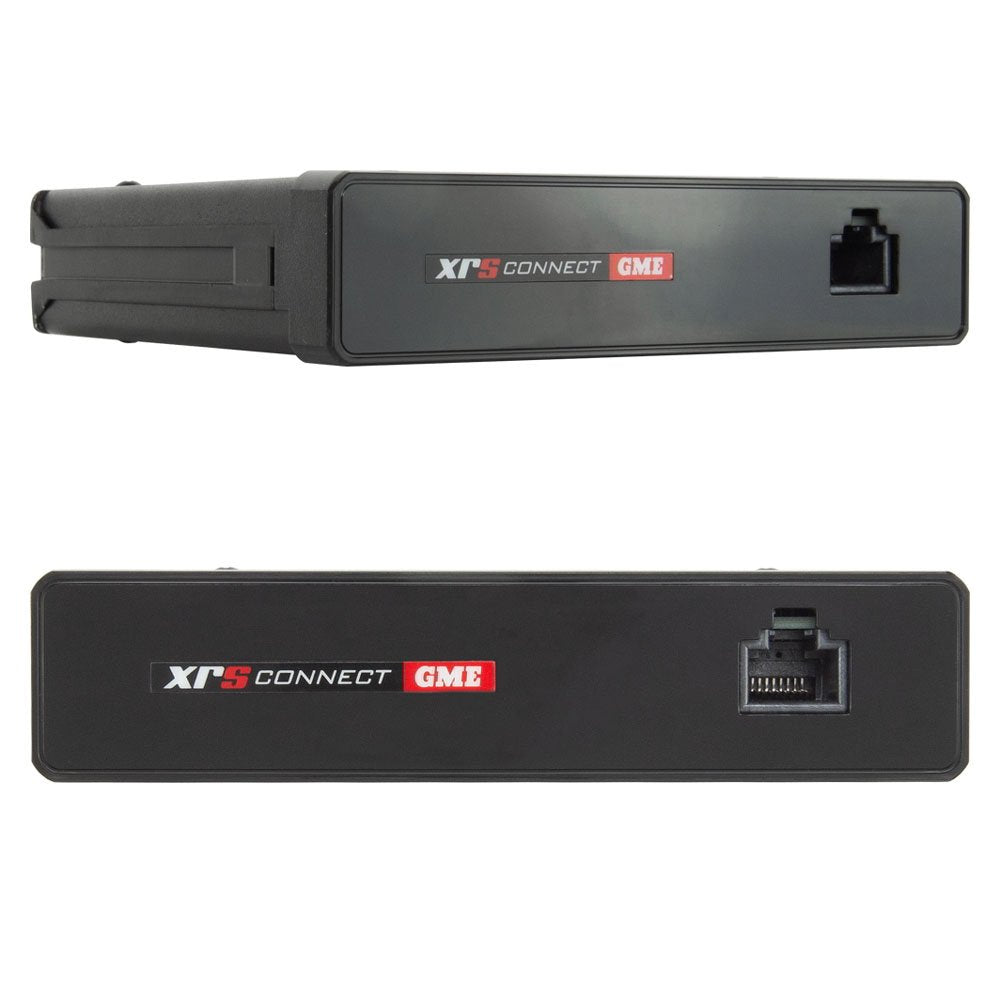
GME | Connect UHF CB Radio 4WD Pack
GME | Connect UHF CB Radio 4WD Pack
Please note: Some products are sourced to order and may have varying lead times depending on supplier availability.
The GME XRS-370C4P Connect UHF CB Radio 4WD Pack is a complete kit, designed for the hardcore 4WD enthusiast. It pairs the top-of-the-line XRS-370C Compact UHF CB Radio, with the heavy-duty AE4704B radome antenna, the perfect solution for those users looking for the ultimate communications setup for their hardcore 4WD.
XRS Connect is an Australian Made radio platform designed to be smart, adaptable and rugged. Featuring a professional grade speaker microphone complete with a class-leading 2-watt speaker, customisable buttons and a high contrast OLED screen guaranteeing a crystal clear, anti-glare display.
Enabled by Bluetooth wireless technology, XRS Connect is the first of a new generation of connected UHF CB radios with unique features never seen before. They are the first ever UHF CB radios with App control, introducing new features such as creating and sharing scan lists and providing instant access to the entire Australian and New Zealand registered analogue frequency database.
GME XRS-370C4P Connect UHF CB Radio 4WD Pack Features:
- Rugged, die-cast metal chassis with built-in speaker
- Bluetooth wireless technology - smartphone control
- Professional grade OLED speaker microphone
- Class-leading 2 watt front-facing speaker
- User-customisable buttons
- Includes 2.1dBi radome antenna
- Download the XRS Connect App on Google Play or the App Store
What's in the box:
- XRS Connect UHF CB Radio (XRS-370C)
- Professional Grade Speaker Microphone (MC664B-M)
- Heavy Duty Radome Antenna (AE4704B)
- Magnetic Microphone Mounting Bracket (MB207)
- Microphone Extension Lead (LE040)
- Microphone Extension Adaptor Kit (AD008)
- 12V DC Power Lead (LE09)
- Mounting Bracket
- Mounting Hardware
- Quick Start Guide
Couldn't load pickup availability